Rune Scribe · iPhone, iPad, Mac & iMessage
One cipher.
Five worlds.
Turn a message into an encrypted runic artifact. Share one cipher, then inscribe it in Norse, or in Moonleaf, Sunspire, Wildwood, and Gloamthorn as you earn them.
AES-256-GCM on your device · No Raven Forge account · No message server
Secret messages. Many worlds.
The decoder ring grew a library of worlds.
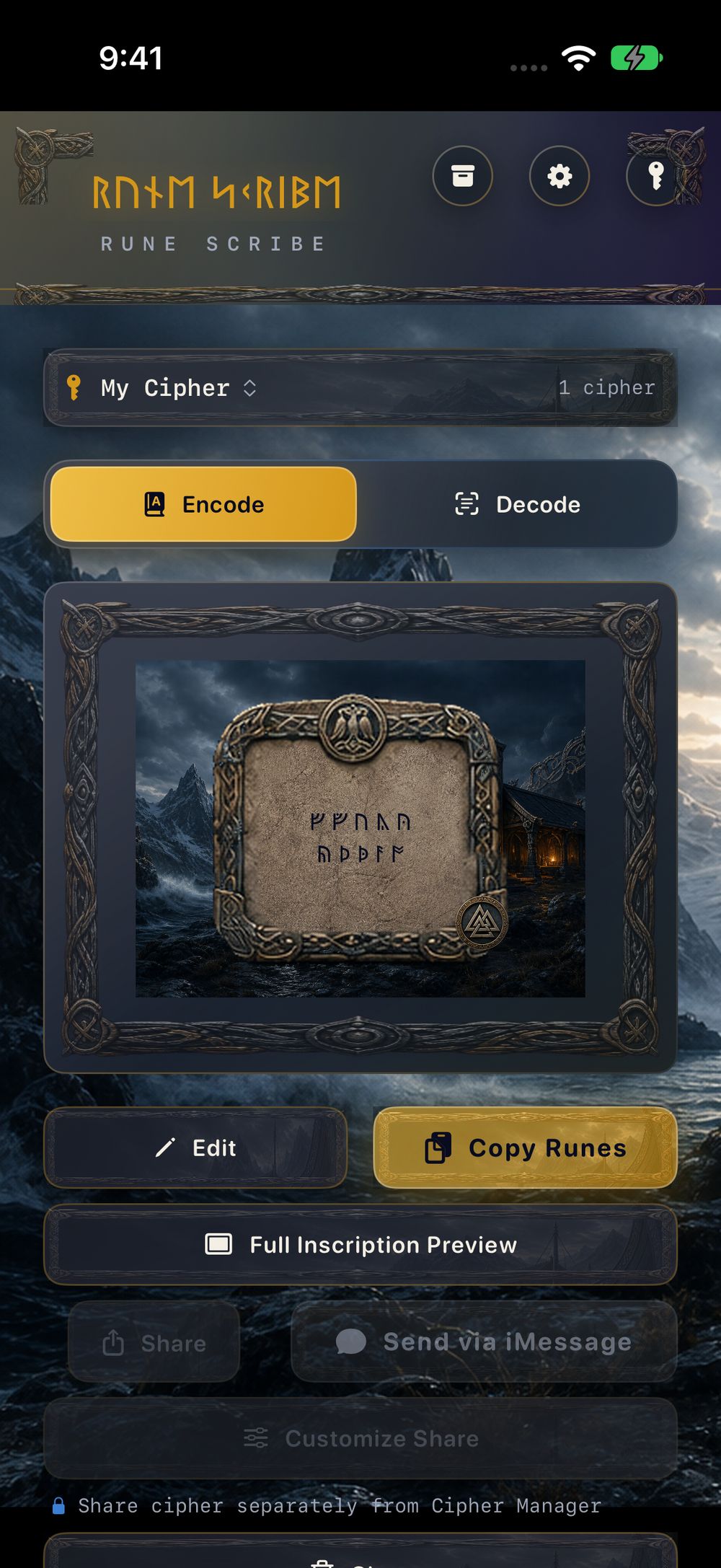
Rune Scribe seals a message on your device, then renders that sealed message as runes on a Relic. The runes are how the message travels. The cipher is what opens it. Norse is included. Four more Codices are waiting in the Journey, and every one of them uses the same cipher.
Included
Norse, plus four to earn
Moonleaf, Sunspire, Wildwood, and Gloamthorn unlock through the Journey. An unlocked Codex stays unlocked.
The Vault
Achievements you keep
Progress, rewards, and presentation options live on the device. Encoding never waits on the Vault.
On device
The key stays with you
Messages are sealed with AES-256-GCM. Rune Scribe has no account and no message server.
How it works
Share the cipher. Scribe the message. Reveal it together.
Step 1
Share the cipher once
Create a labelled cipher and hand it to the people in the conversation. An invitation, a QR code, or a cipher file all lead to the same confirmation. One cipher then works in every Codex.
Step 2
Scribe the message
Type or paste the words, choose that cipher, and encode. Rune Scribe seals the message with AES-256-GCM and inscribes the sealed result as runes. A wrong key refuses to open it.
Step 3
Reveal it together
Send the artwork and the runes. Your friend brings the runes into Rune Scribe. With the matching cipher in their library, the original message comes back.
The Codices
Find the world your secret belongs to.
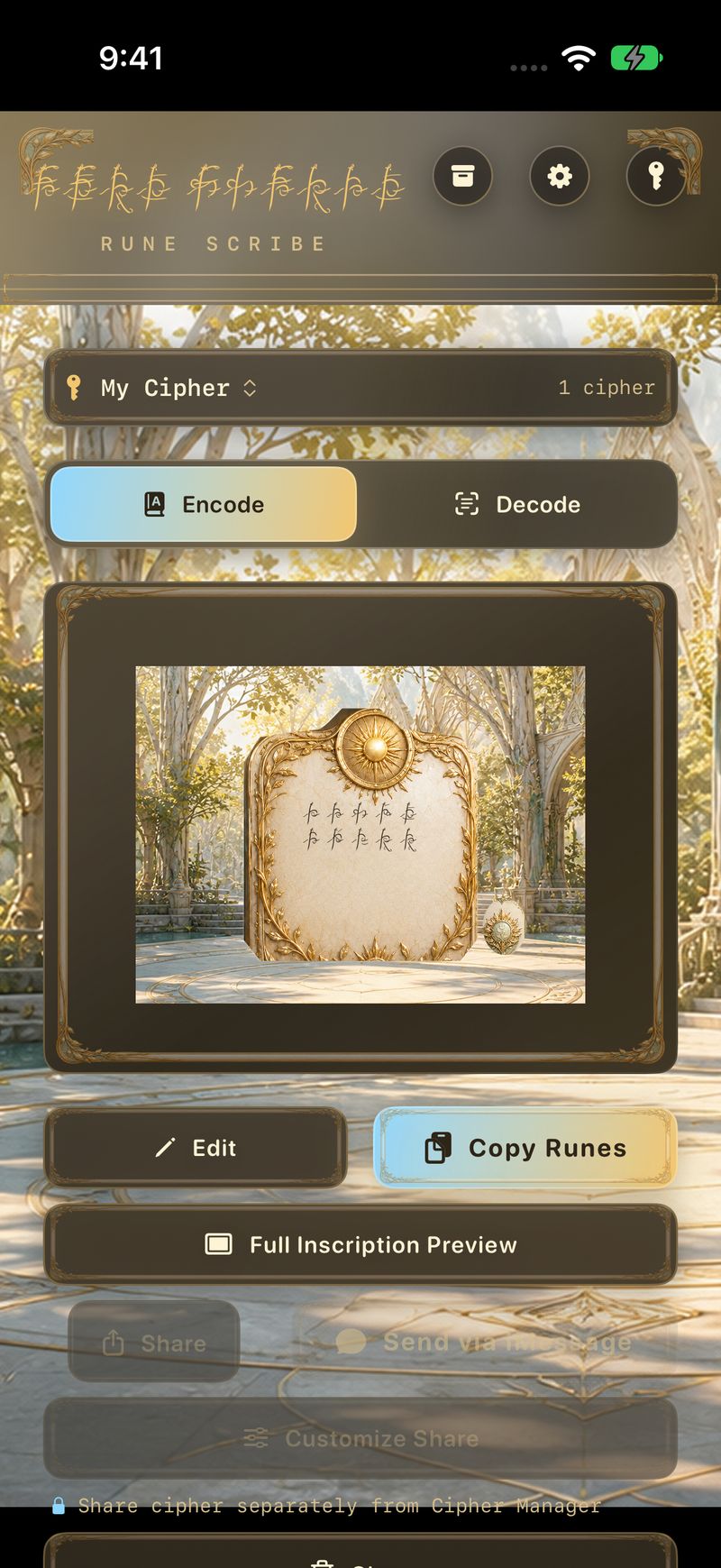
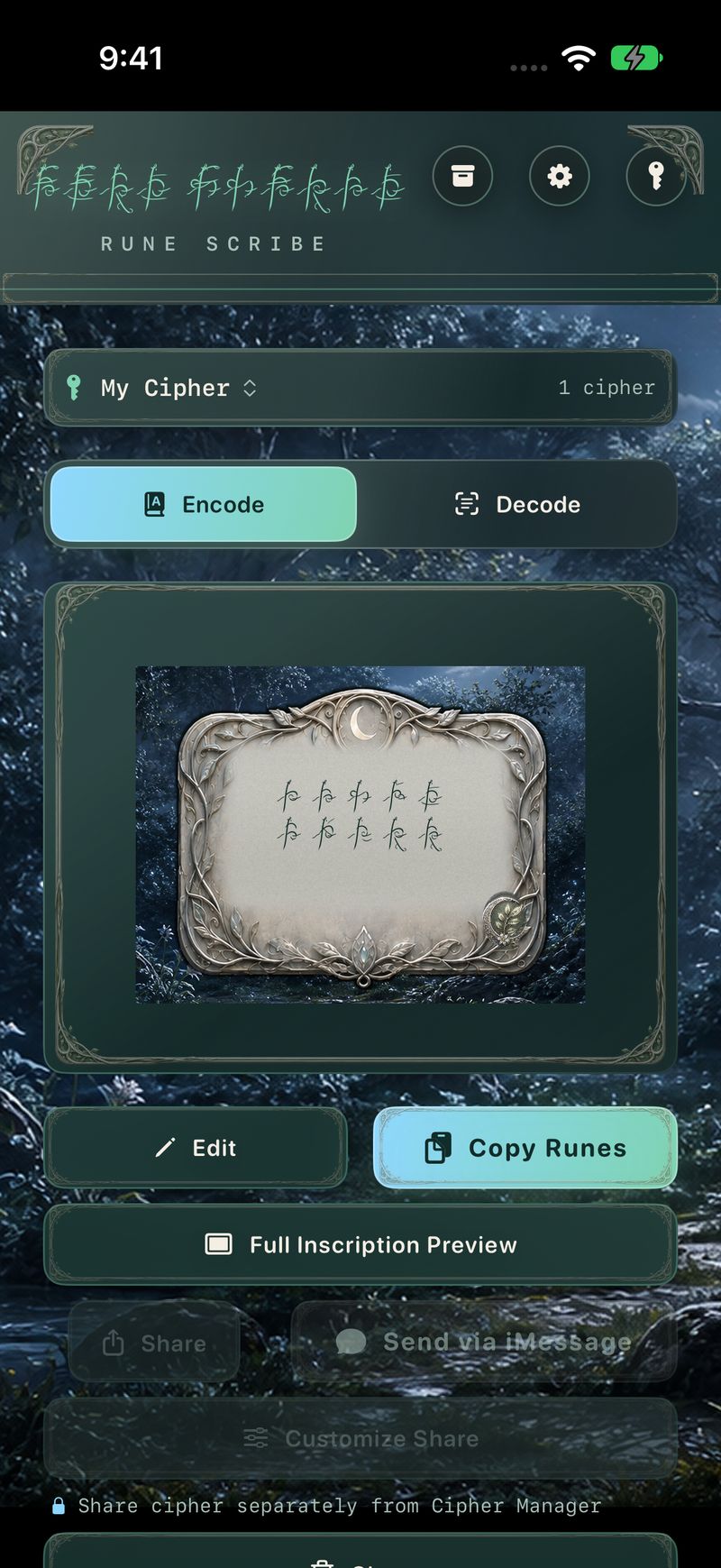
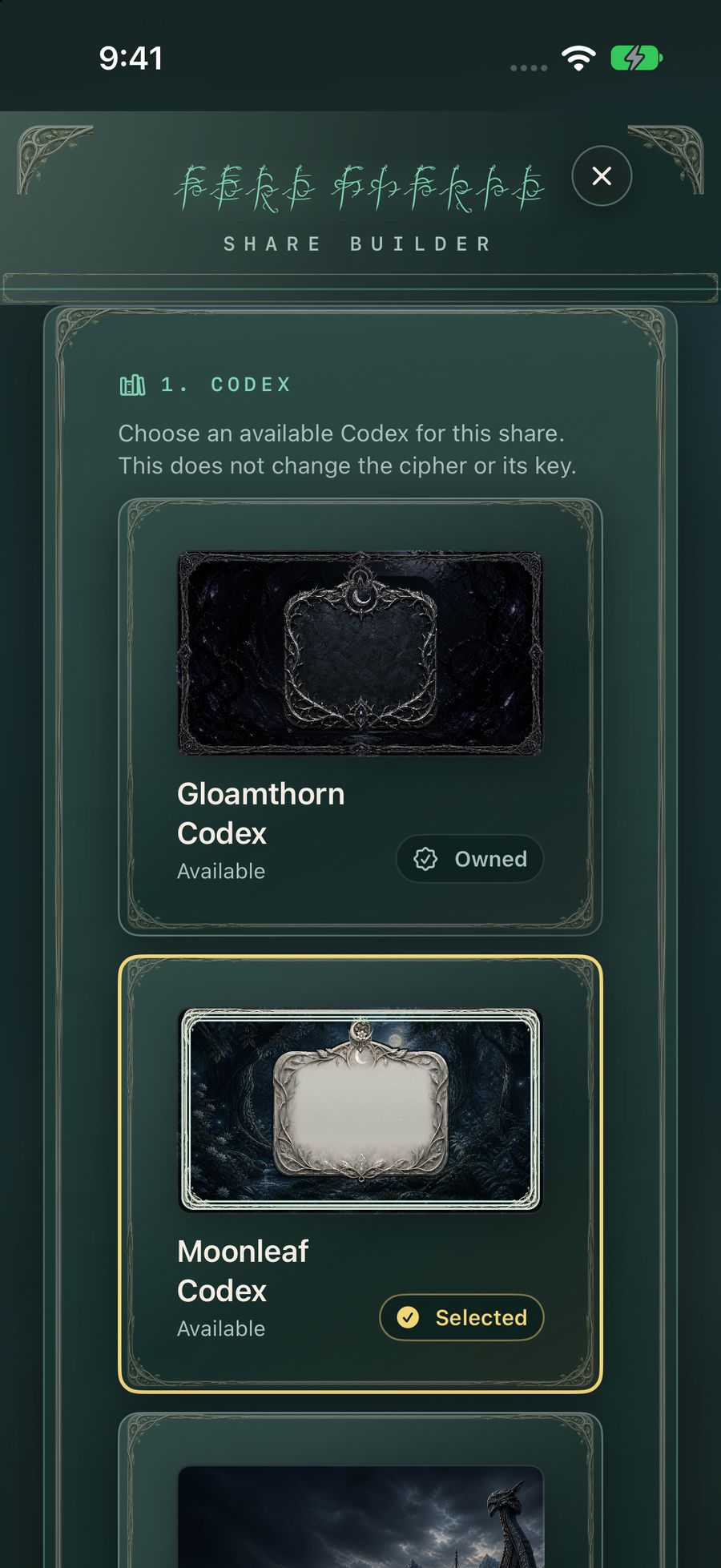
Five Codices. Each has its own script, Relics, Seals, and Frames. The cipher is the same in all of them. Encoding and decoding stay available while a Codex is still locked. If a chosen Codex cannot render a message, Rune Scribe uses the Norse appearance.
01 · Included
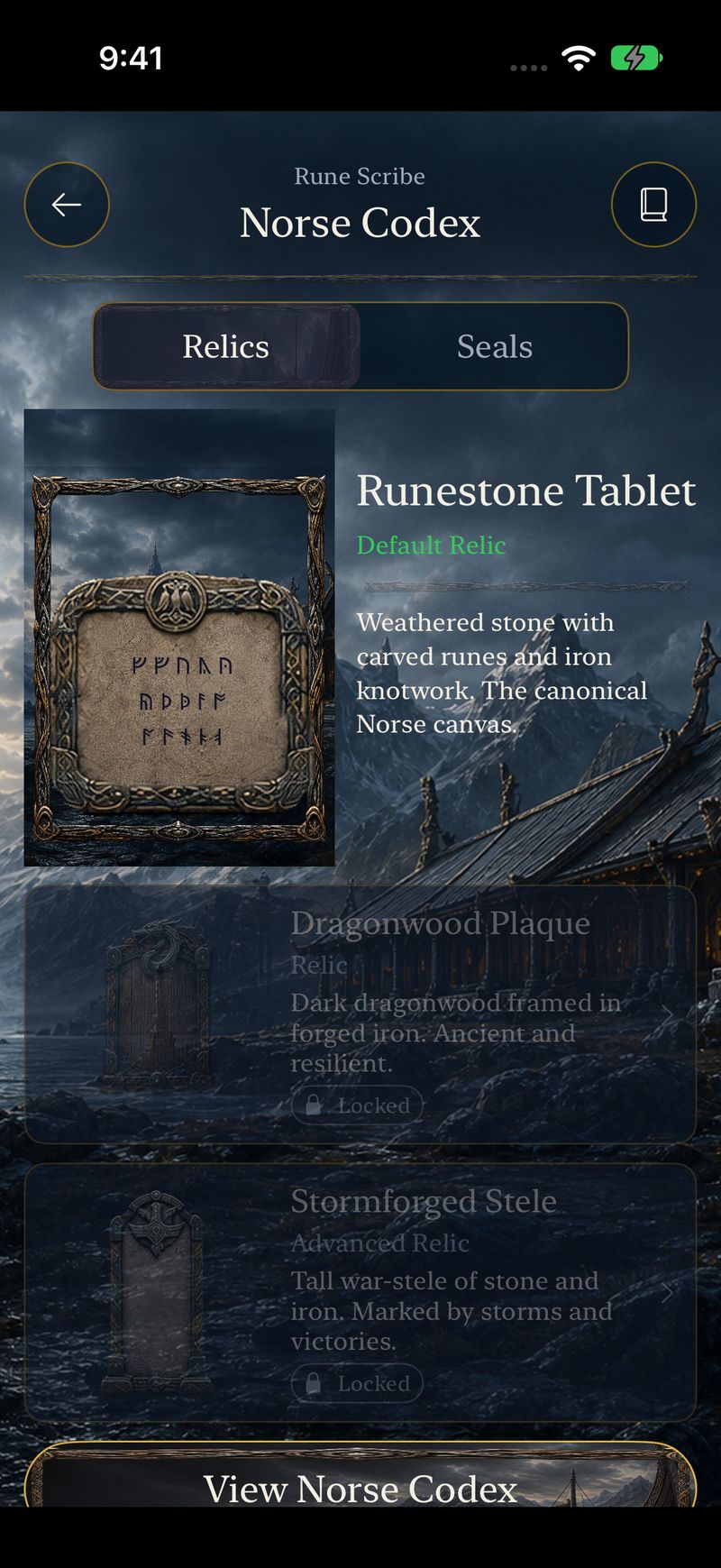
Norse
Weathered stone, carved runes, and iron knotwork. The Runestone Tablet is the canonical canvas.
02 · Journey
Moonleaf
A silver tablet in a living wood. Luminous, quiet, and earned through use.
03 · Journey
Sunspire
Sun-crowned parchment in a bright hall. Radiant, ceremonial, and earned through use.
04 · Journey
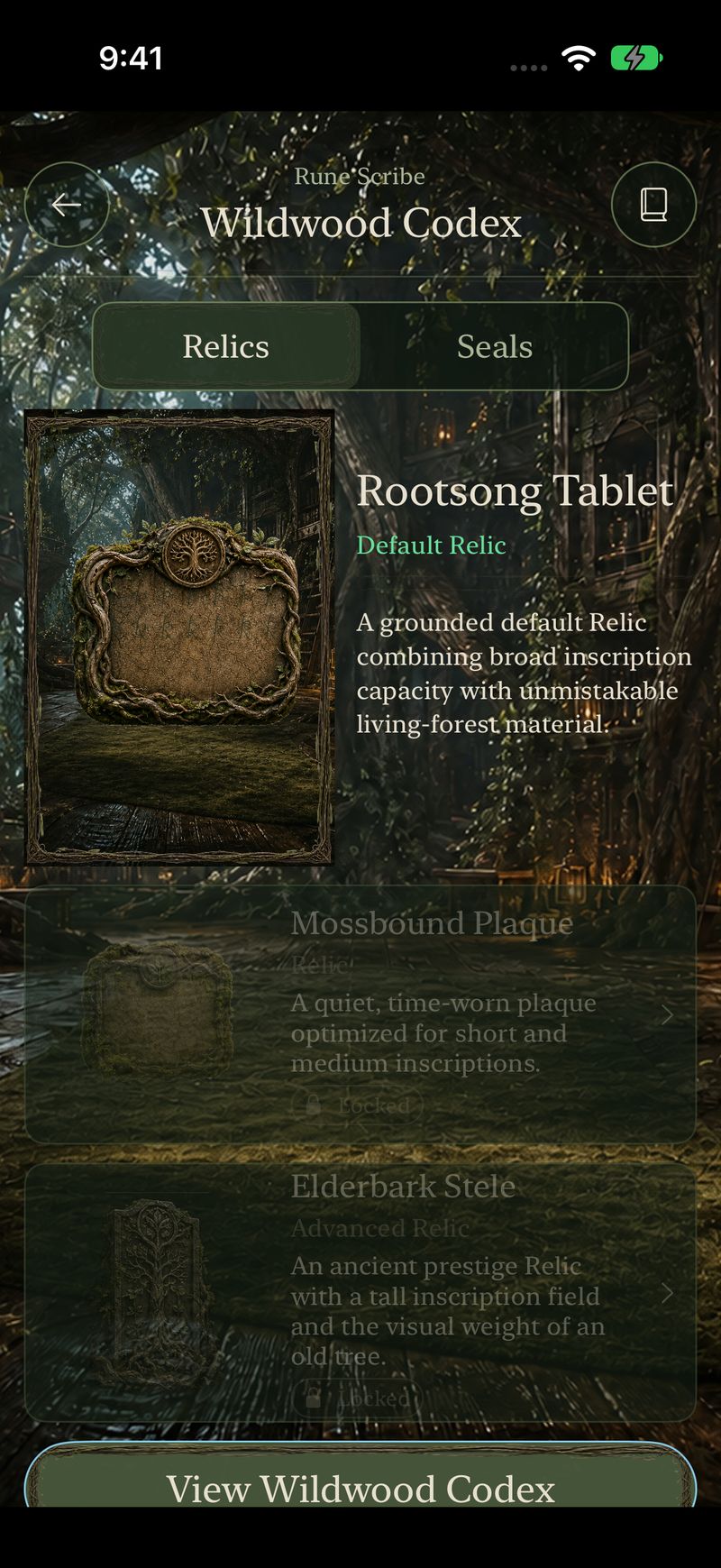
Wildwood
The Rootsong Tablet. Broad inscriptions in bark, root, and vine.
05 · Journey
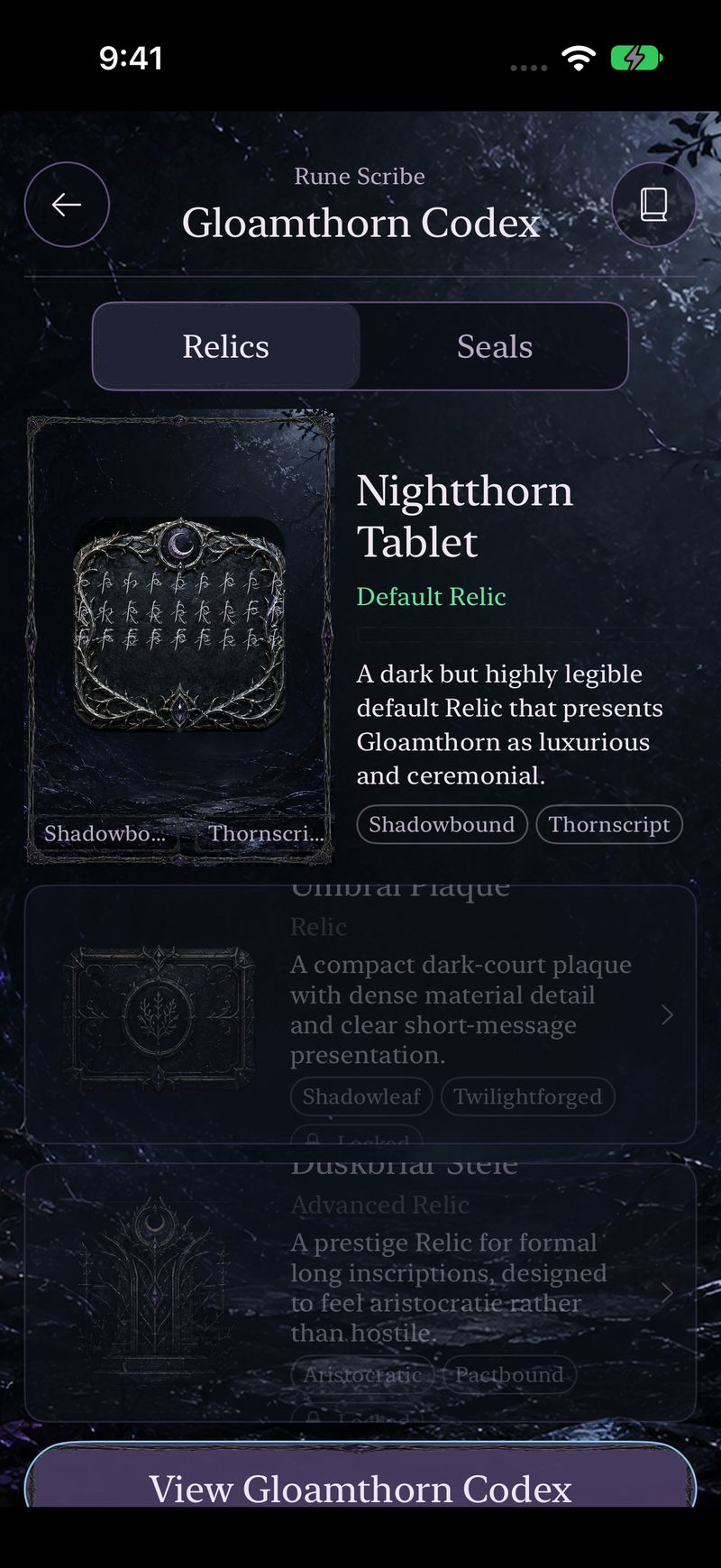
Gloamthorn
The Nightthorn Tablet. Dark, legible, and ceremonial.
The Journey
Your messages. Your milestones.
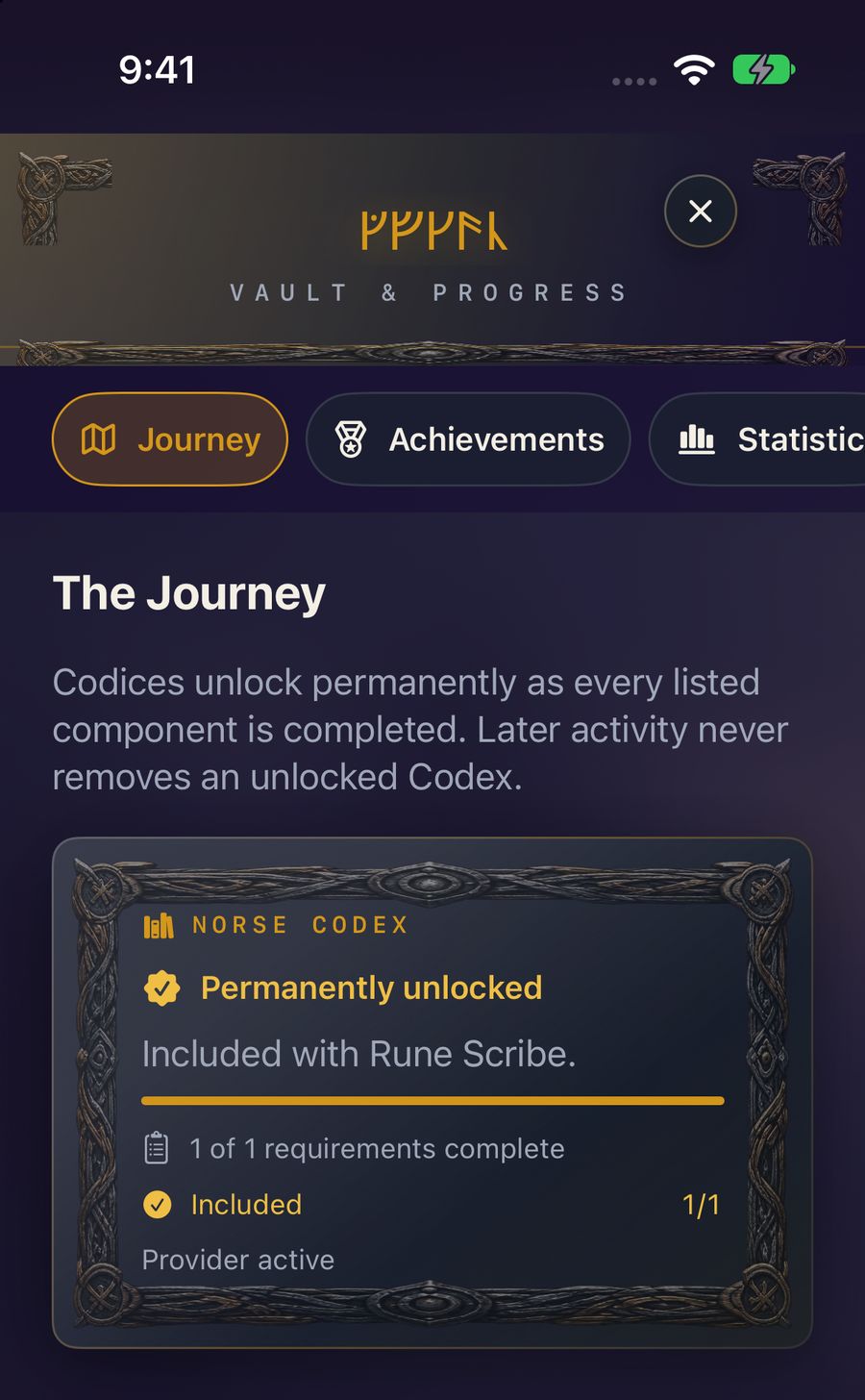
The Vault keeps the Journey, achievements, and statistics on the device. Norse is included and permanently unlocked. The other Codices unlock as their requirements are completed, and later activity leaves an unlock in place. Optional private iCloud sync mirrors that progress. Optional Game Center reports achievement progress. Messages and cipher keys stay on the device, and both services can be left off.
Achievement
First Inscription
Complete your first unique inscription.
Achievement
First Dispatch
Complete your first eligible cipher share.
Achievement
An Echo Returns
Decode your first incoming Rune Scribe message.
Fifteen achievements in all, earned through use. The Vault is there when you want it. Encoding and decoding stand on their own.
Sharing
Send the artifact. Hand over the key on purpose.
A message and a cipher travel separately. Customize Share can dress this send in any Codex you own. That choice changes the artwork. The cipher and its key stay as they are.
Messages
Artwork and rune text
On iPhone, iPad, and Mac, Messages receives the rendered inscription and the runes, without an extra message file. Your friend copies the runes into Rune Scribe and decodes them with the matching cipher.
Files
A sealed package
Mail, AirDrop, and other file destinations can carry a .runescribe message package. The package holds the sealed message.
Cipher Manager
Invitation, QR, or file
Share the cipher itself from Cipher Manager. The recipient confirms before it is saved. iPhone and iPad can scan the QR code. On Mac, import the file or paste the link. Treat that handoff as the key, and share it privately.
Presentation
Presentation only
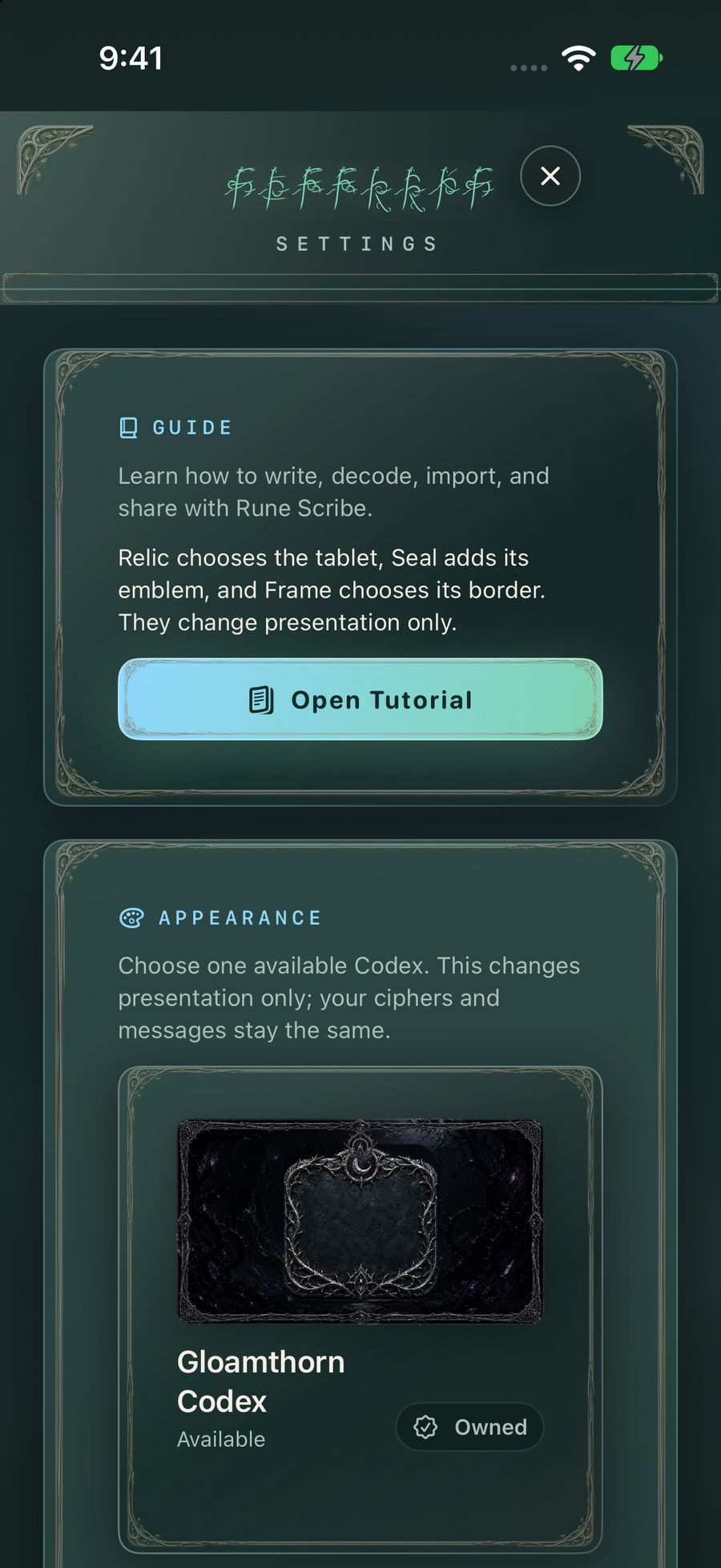
Relic chooses the tablet, Seal adds its emblem, and Frame chooses its border. They change presentation only.
That is the in-app guide. A built-in tutorial covers writing, decoding, importing, and sharing. Choose a Codex for the look of the workspace. Your ciphers and messages stay the same.
A cipher for brighter ideas
What will you create?
The same cipher can hide a clue, carry a tabletop secret, or mark a moment between friends. The Codex is the setting you choose for it.
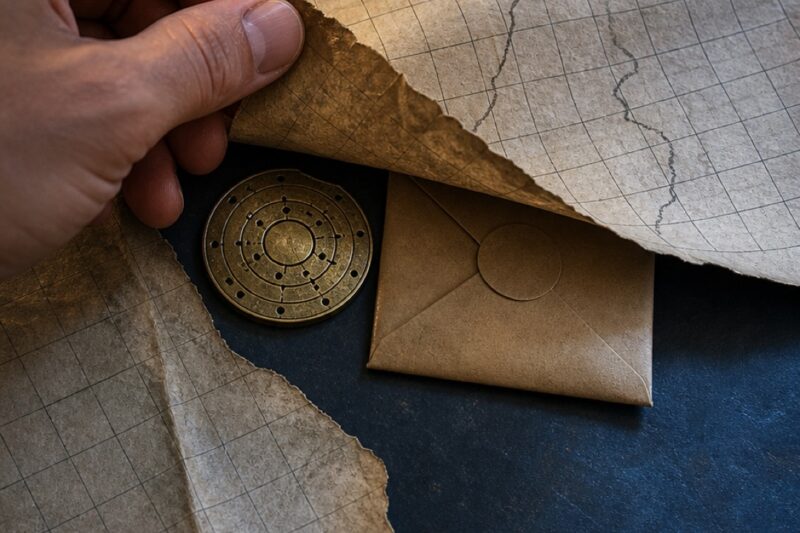
Trail maps & treasure hunts
Hide the next destination in a message the team must reveal.

Tabletop adventures
Deliver secret orders, side quests, and in-world artifacts.

ARG transmissions
Make a broadcast feel discovered instead of delivered.
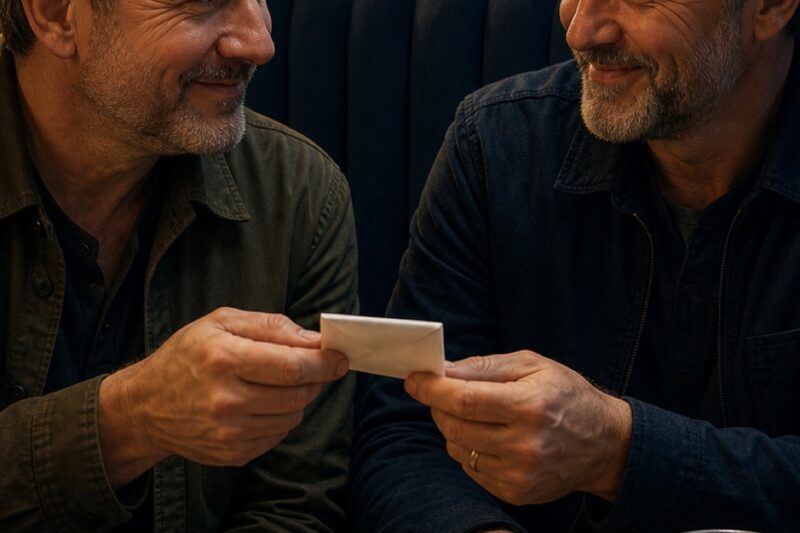
Secret notes
Turn an everyday message into a small moment of ceremony.
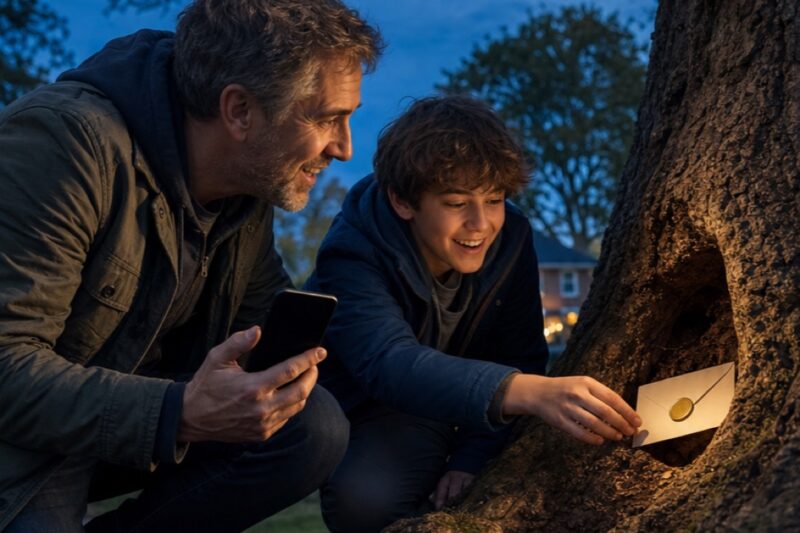
Party & classroom hunts
Build cooperative clues for birthdays, clubs, and lessons.
Privacy
Encrypted first. Runes second.
The runes are a reversible costume for a sealed message. Anyone can turn the runes back into bytes. Those bytes stay sealed without the 256-bit key.
The seal
AES-256-GCM
Every message gets a fresh nonce. A wrong key or a tampered message fails to open, and Rune Scribe does not return a garbled guess.
The library
Keys on this device
The cipher library lives in the Data Protection Keychain for this device. Contacts are optional, and the first prompt includes Skip. There is no Raven Forge account.
The lock
An optional PIN
A four-digit App Lock can gate the app on launch and on return. The PIN itself is never stored. Repeated misses wait longer, including after a relaunch.
The Journey
Progress, when you want it
Private iCloud sync stores progression. Game Center can report achievement progress. Neither service receives your messages or your keys.
Rune Scribe is a personal privacy tool with a manual key handoff. It is not a vetted secure messenger: share each cipher only with the people meant to hold it. A cipher invitation, QR code, or cipher file is the key. The decorative scripts are a presentation, and they are not a translation of a historical language. Recipients need Rune Scribe and the matching cipher.
Rune Scribe
Give ordinary words an extraordinary life.
Start with Norse. Earn the rest. Share the cipher privately, and send the message with a little ceremony.

Requires iOS 17 or later, iPadOS 17 or later, or macOS 15 or later. Includes iMessage.